Your DAW’s Default Settings Are Fighting You
A DAW’s out-of-the-box defaults aren’t tuned for your specific setup. Left alone, a couple of them quietly cause real, confusing problems.
Buffer size
A low buffer size gives you low latency — important while you’re actually recording, so what you hear back matches what you’re playing in real time. But a low buffer size also demands more from your computer, and can cause clicks, pops, or dropouts during playback and mixing, when latency doesn’t matter nearly as much. Leaving it low all the time trades stability for a benefit you only need during tracking.


Sample rate mismatches
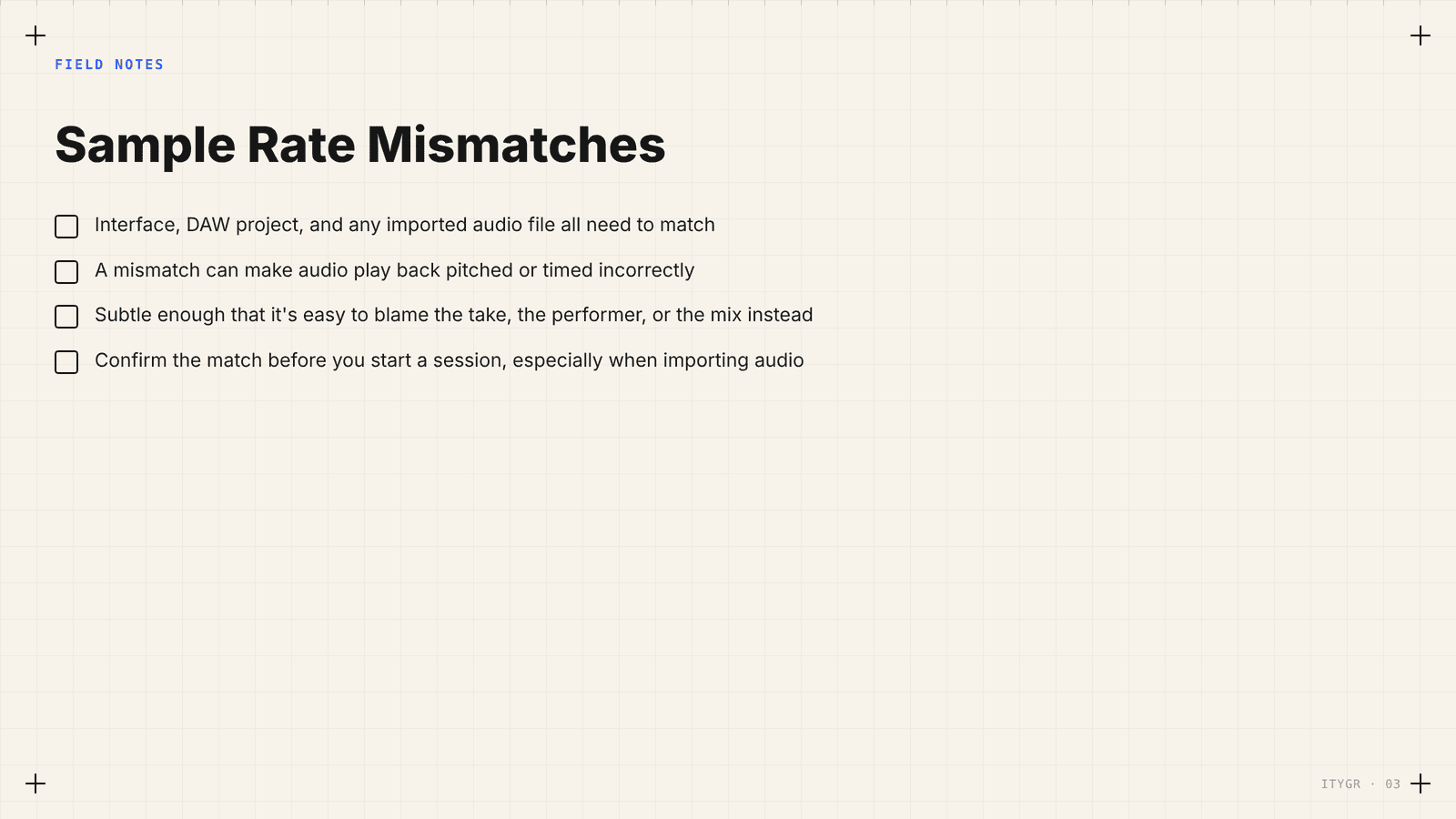
If your interface, your DAW project, and an imported audio file aren’t all set to the same sample rate, you can get audio that plays back pitched or timed incorrectly — subtly enough that it’s easy to blame the take, the performer, or the mix instead of the actual mismatched setting.
What to actually do
Drop the buffer size low while tracking, and raise it back up once you’re mixing or your computer’s working hard on plugins — most DAWs let you switch this per-session without much friction. Confirm your interface and project sample rate match before you start a session, especially if you’re importing audio recorded somewhere else.

Two settings, both invisible until they cause a problem, both worth checking before you blame the take.
Reasonable starting ranges, not universal rules
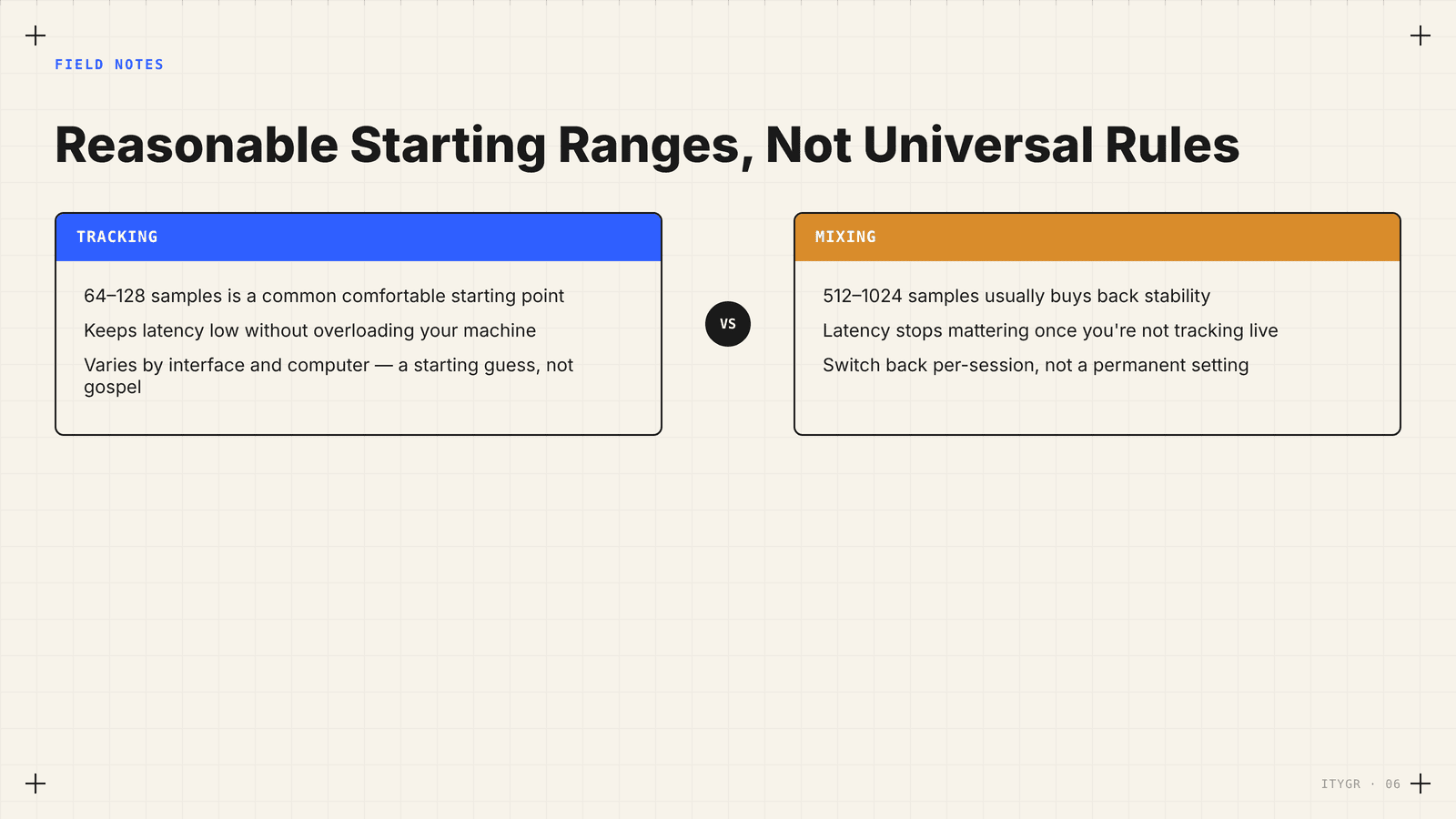
While tracking, something in the 64–128 sample range is a common comfortable starting point on modern hardware for keeping latency low without overloading your machine — though this varies by interface and computer, so treat it as a starting guess, not gospel. While mixing, bumping up to 512–1024 samples usually buys back stability once latency stops mattering. Same rule as gain staging: know the concept, then tune it to the actual machine in front of you.